-
Pick a part, then a video
Eleven short guides in two parts. Choose any card and the video opens in a player on this page.
-
Watch at your own pace
Pause and rewind as much as you like, or step through the guides in order with Previous and Next.
-
Keep this tab open
This page opened in its own tab, so you can follow along in the portal. Your login details are still waiting in the tab behind this one.
Every guide is narrated out loud. Written captions are not ready yet. If you would prefer a walkthrough in the meantime, call 01626 204 204.
Part 1
1.Getting Started & Job Creation
-
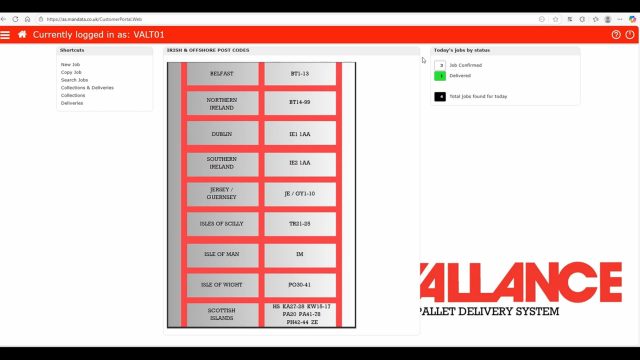
Logging In and Portal Navigation
A tour of the dashboard, showing you how to log in and quickly access all main sections of the customer portal.
-
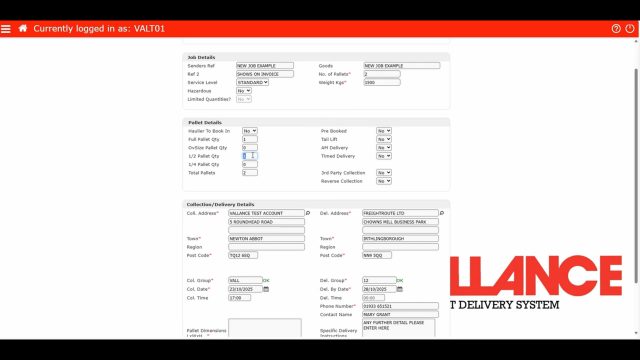
Creating a New Job
The essential guide to creating a standard, non-hazardous consignment booking from start to finish.
-
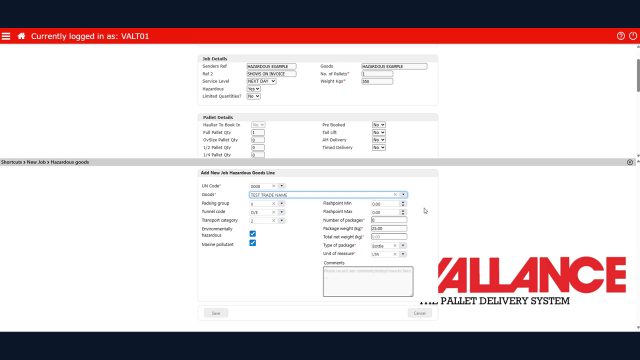
Hazardous Job Booking
Specific steps and requirements for booking a hazardous (ADR) consignment accurately.
-
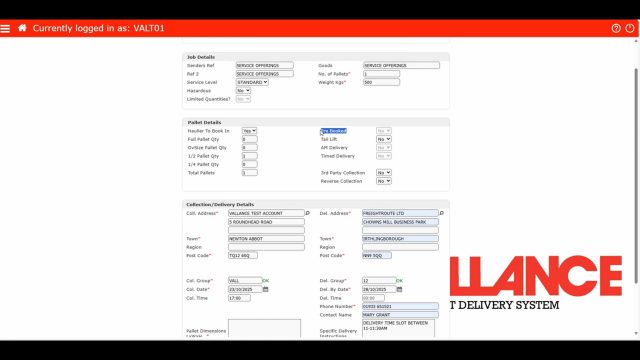
Service Options Explained
A breakdown of our available delivery services (e.g. Next Day, AM, Timed) and how to select them.
-
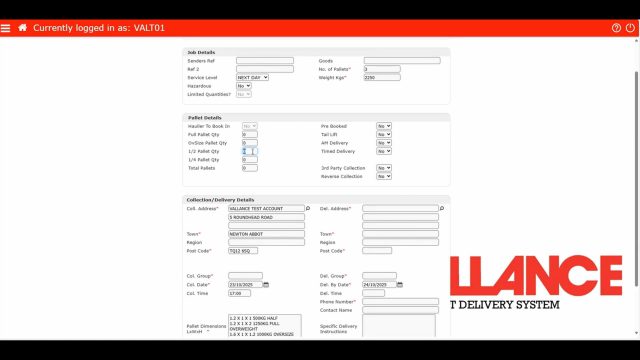
Pallet Size Options
How to declare pallet sizes (e.g. Full / Oversized) when you book.
Part 2
2.Managing Jobs & Documentation
-
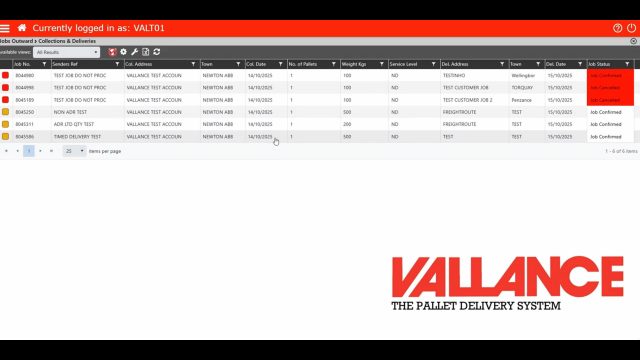
Collection & Delivery Calendars
Using the interactive calendar tool to view your planned jobs.
-
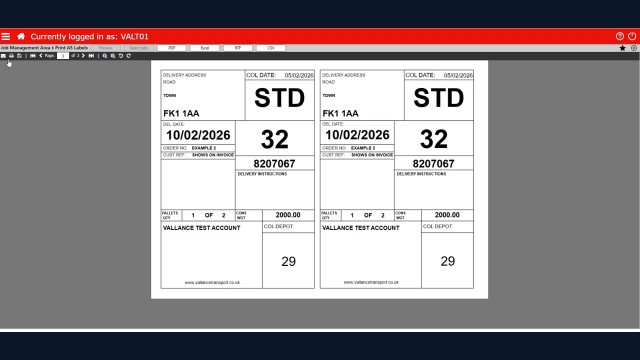
Printing Labels & Hazardous Notes
Generating and printing the required job labels and necessary Dangerous Goods Notes (DGN).
-
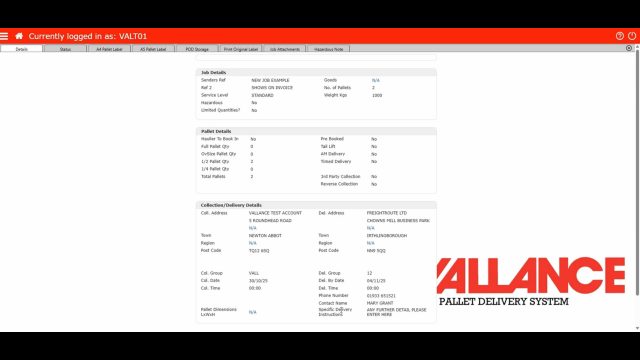
Edit & Cancel a Job
Instructions on how to modify job details or cancel a collection.
-
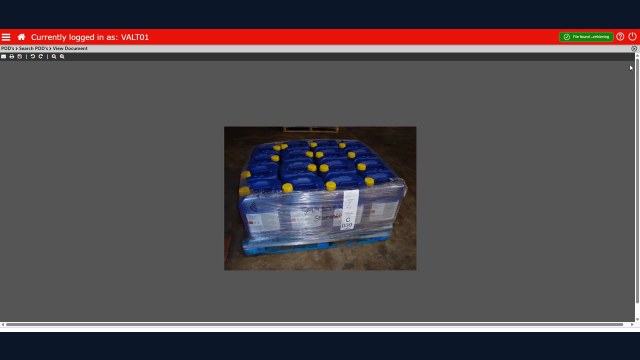
Proof of Delivery (POD)
How to quickly retrieve and download signed Proof of Delivery documents for completed jobs.
-
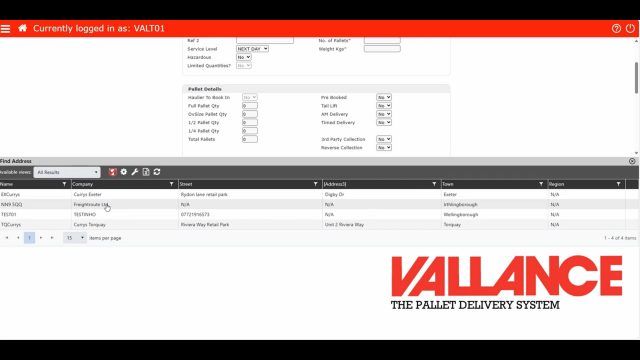
Address Database Management
Keeping your frequently used collection and delivery addresses organised and up-to-date in the system.
-
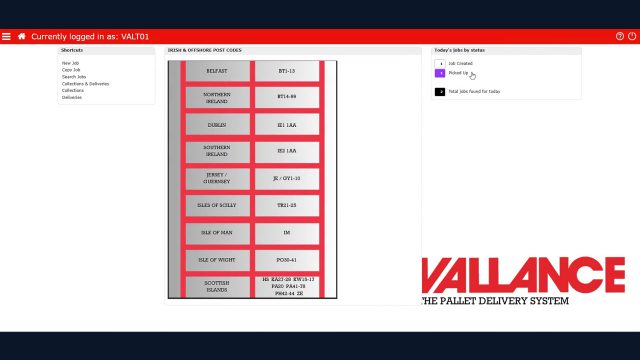
Quick View of Daily Jobs
Overview of daily jobs to efficiently manage schedules and monitor deliveries.
Need a hand with the portal?
If anything in the portal does not behave the way these videos show, call the office on 01626 204 204 or email enquiries@vallancetransport.co.uk and we will walk you through it.